
Hello everyone,
my first confession for this blog is about my latest freak purchase. For my birthday, I indulged and made myself the best gift for a crafter and creative like me: I bought a digital cutting machine.
The entire week before the purchase, I digged deep in the web, searching the blogosphere for digital machine comparison posts and I found tons of very great crafters review. It was a really hard choice to make but The 11 Best Die Cutting Machines of 2023 on Cut, Cut, Craft! helped a lot. The article reviews both digital and manual Die-cutting machine of different sizes and brand and highlited pros and cons for each model in a short bullet list, before to dive deep into the details.
I never had a cutting machine before but once determined the space available in my crafter corner, I decide to go for the beginner-friendly and easy-portable Cricut Joy. Heading over to Cricut.com, I opted to buy the Cricut Joy and Essentials-bundle, which had included a set of Materials to start with (including Smart Vinyl, Smart Iron-on and Insert Cards Sampler), a Card Mat and a Standard Cutting Mat.
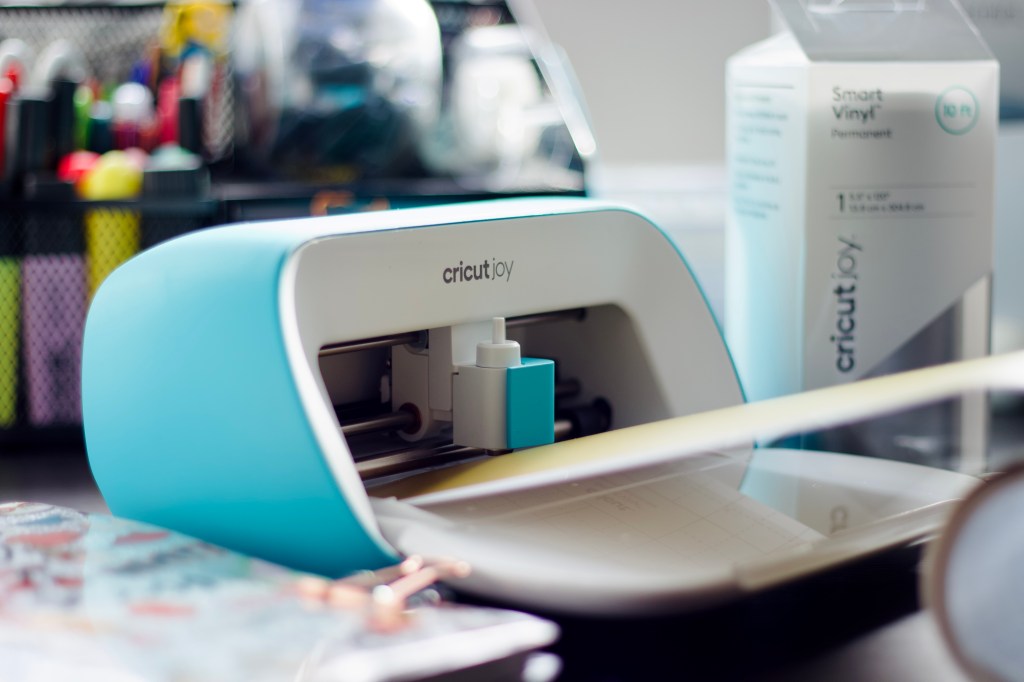
If you are new to Cricut Joy and other Cricut machines, my recommendation is to read as much as possible from other crafters blogpost to understand which machine is best for the type of project you would make. Depending on the materials you would work with and the cutting area size, the time you will spend crafting and your budget, your machine choice will be straight-forward.
Once made my order, I figured out I needed additional materials and tools. I purchased the Basic Tool Set from Cricut and, since I am going to work a lot with Vinyl and Stickers, some Standard Grip Transfer tape was also mandatory.
I am since 15 days a happy owner of a Cricut Joy and those are my impressions and confessions.
1. Is Versatile
Although the size of the cutting area, the Cricut Joy is very versatile in terms of the project and material you can work.
You can create and cut Vinyl Stickers, Paper Stickers, Decals, Iron-on patches, Cards and Paper crafts. You can cut standard materials like Paper and Vinyl but also Faux Leather and thin-Fabric, as well as Art-board and Acetate. The possibility are really endless and only your imagination will set-up boundaries. You can find a list of materials you can cut with a Cricut Joy here.

2. Has a Beginner-friendly Software
Even if you have no experience with Digital-cutting machines and their software, Design Space from Cricut Inc. is very intuitive and beginner-friendly. I personally use the iOS version on my iPad together with the Cricut Joy app. They are both very well designed and easy to use.
You will use Design Space to first setup your machine and get a taste of how the software guides you through, from „designing“ to „making“.
3. Cricut Access Subscription
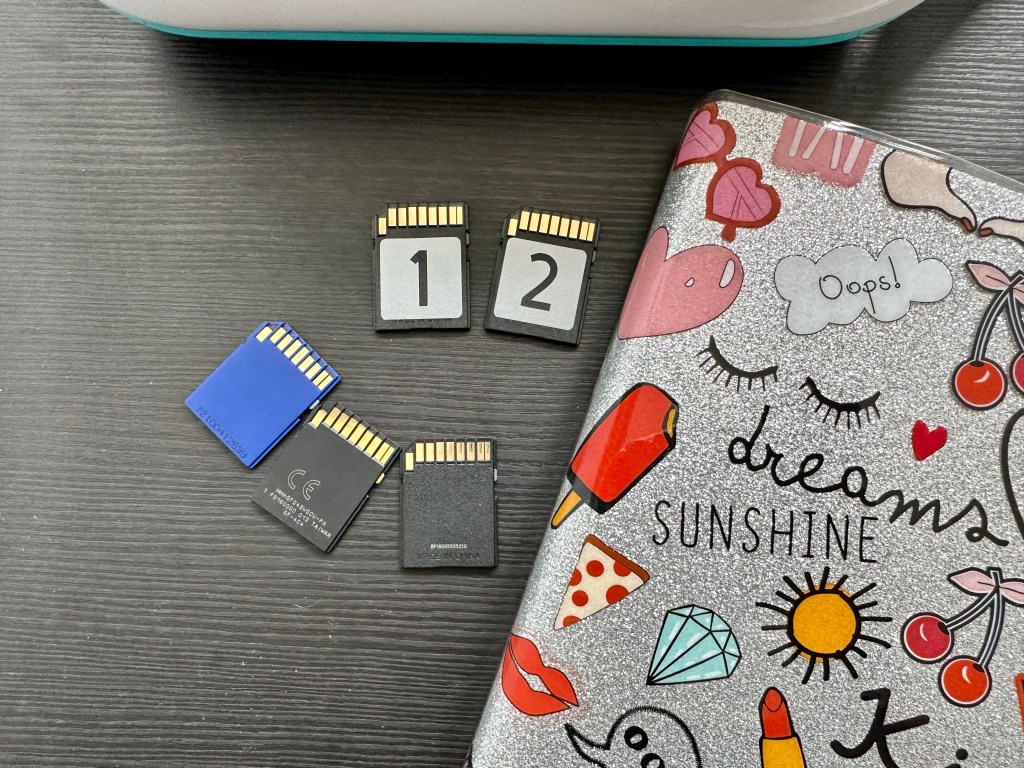
The Cricut Joy and all the Cricut machines are delivered with a „Welcome Card„ which contains sample materials, instructions for setting-up the machine, and a free one-month subscription to Cricut Access.
Cricut Access is a subscription or abo, which gives you access to pro-feature in Design space and access to all sort of pre-made Projects and Fonts which are available only after purchase. My tip: If you buy your machine via Cricut website, add Cricut Access at the checkout to get an extra discount on your cart items. That‘s a win-win. I strongly recommend to purchase the year-access if you plan to use the machine a lot. For hobby and once-in-a-wile-crafters, I discourage the subscription and instead suggest the one-time project purchase in Design Space. For as little as 0,99€, you can get all the sorts of projects and fonts, as well as images for your projects
4. Best for Paper craft and Card making
The cutting area is designed to perfectly cut and creat Cards and small Paper artwork. The more you‘ll work with the machine and the more trick you‘ll learn to cut even larger projects than you ever thought possible. My first project was this card for Father‘s Day and I absolutely loved to see the machine in action. It only took 15 minutes to creat-and-cut this card and absolutely no-experience. The result is stunning.

5. Matless Cut
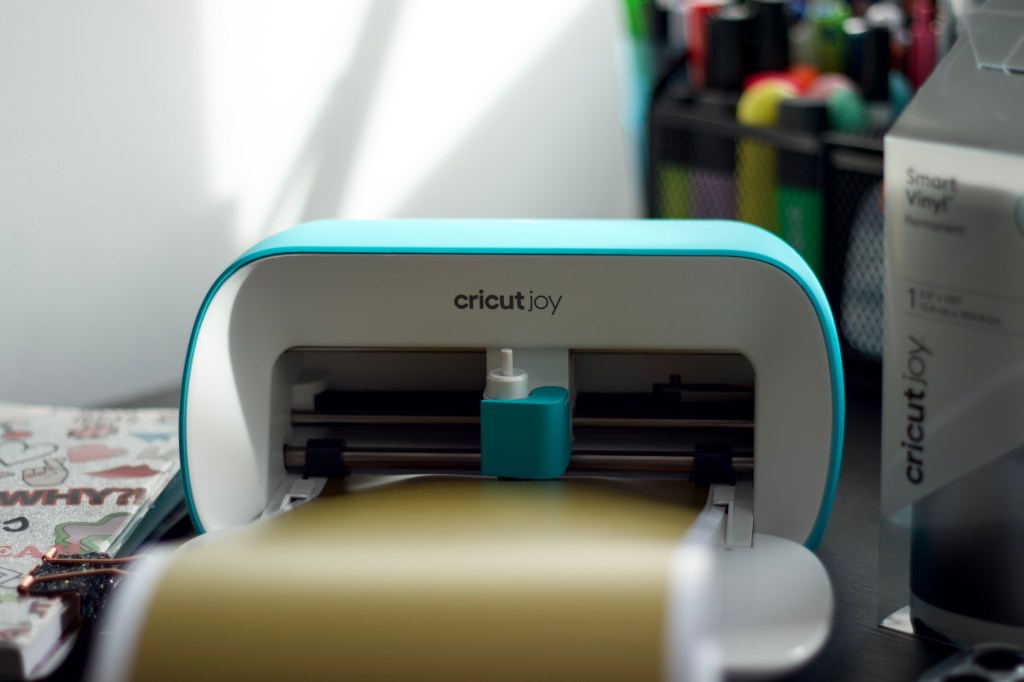
A feature I like from Cricut Joy is the matless cut which allows for long cuts. Thanks to the „Smart Material“ design, even the small Cricut Joy can cut project as long as 1.2-meters long and make repeated cuts up to 6-meters long. Isn‘t that awesome?
If you plan to make a lot of Stickers and Vinyl Decals, you will love working with Smart Materials and going Matless.
6. Cricut Learn
Absolute must for all the newbie-like-me out there.
Cricut Learn is a learning platform where you can build the skills you need to first interact with the machine and create-and-make your first solo-project. I highly recommend the „Beginner‘s Guide“ sections and the Live Workshops, like Cricut 101-Get to know Cricut.
7. Print-and-Cut on a Joy
Many will tell you: „Print-and-Cut“ is not available for Cricut Joy.
Well, this is correct but as I said before, if you can imagine it…
Print-and-Cut is officially not released for Joy model but is definitely possible. I will guide you through each steps on a next post, so stay tuned. Experimenting with the Joy capabilities is what I liked most in this 15 days.
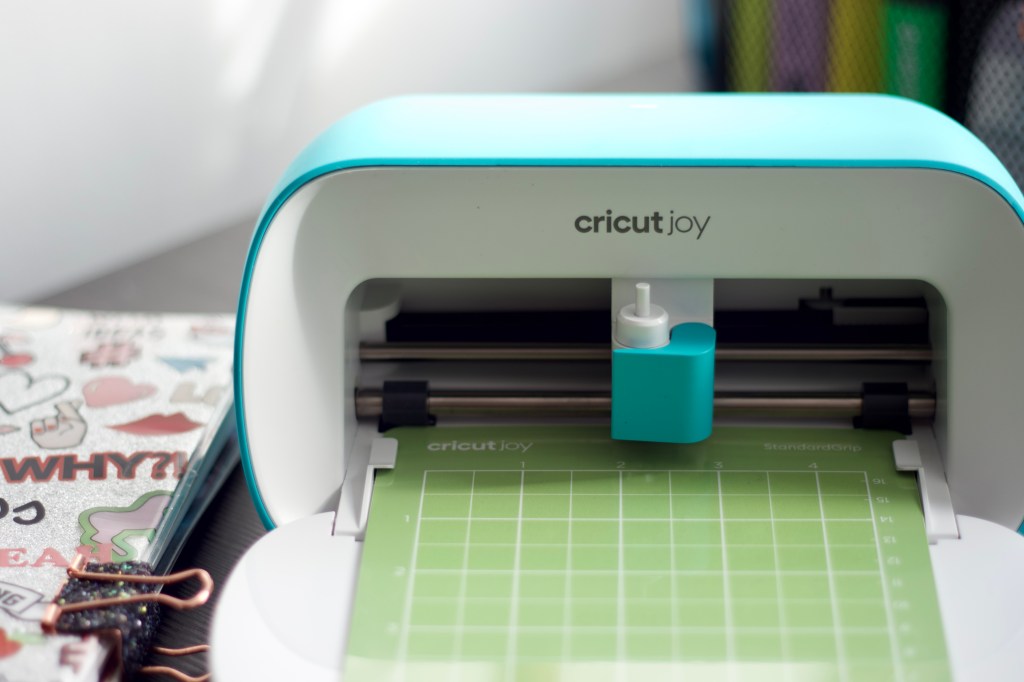
As you can see, I had very positive feedback after only 15 days from purchase and I believe that the more I will continue using this machine, the more I’ll love it.
If you are also owner of a digital-cutting or manual-cutting machine leave a comment below.
I‘d love to hear from you and learn what you like the most about your cutting machine.
Sending lots of love,
Lalla
 Confessions of a Creative Freak